Animoia is a FREE motion graphics and compositing app built around a familiar layer based workflow. Animoia gives you a powerful, flexible workspace for bringing ideas to life, with everything you need to design, animate, and composite in one place.

Everything you need to create.
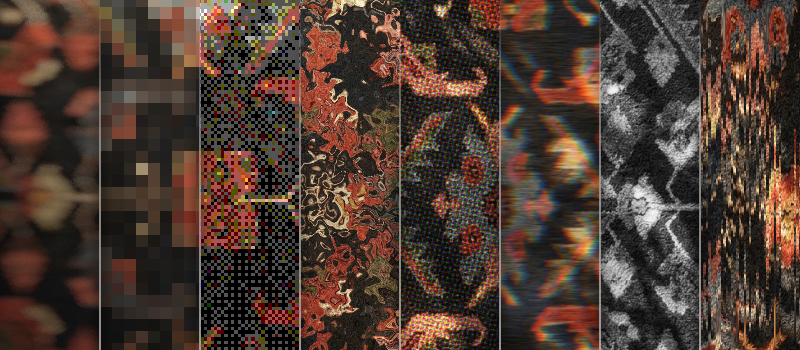
120+ Effects
Animoia ships with more than 120 built-in effects, from blurs, glows, and color tools to glitches, distortions, and stylized looks. You can put effects on layers or as an adjustment applied to everything below. Every effect is editable, fully keyframeable, and can be stacked and combined to build your own custom looks.
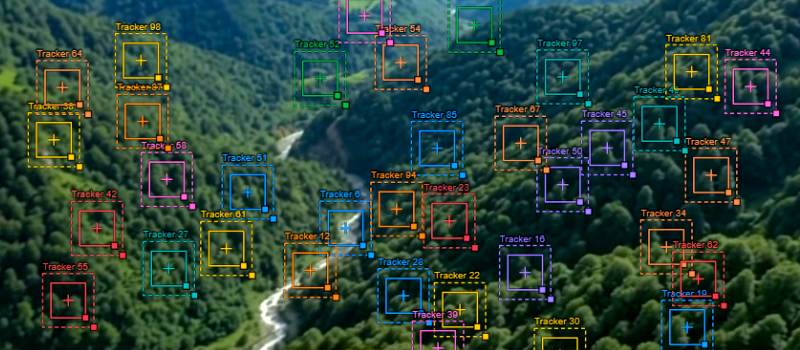
Tracking & Stabilization
Animoia features built-in tracking and stabilization tools that let you track motion in your footage, attach elements to moving objects, and stabilize shaky shots for smoother results. With a professional tracking system designed to improve reliability and accuracy, you can integrate visual elements naturally.
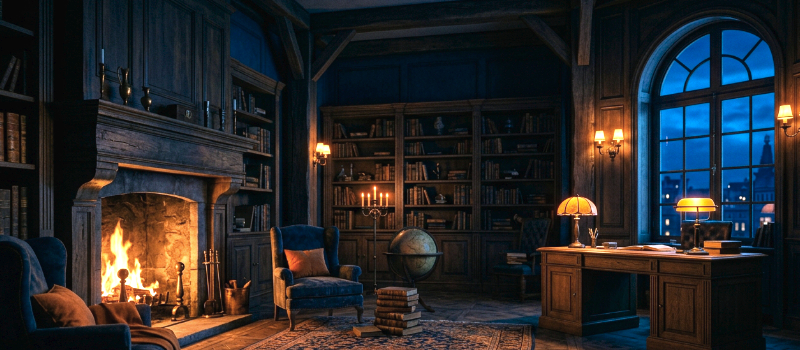
Color Grading
Shape the mood of your footage with curves, levels, and color wheels. Grade individual layers or entire compositions, and preview every adjustment in real time so your colors land exactly where you want them. EXR raw layers are supported too!
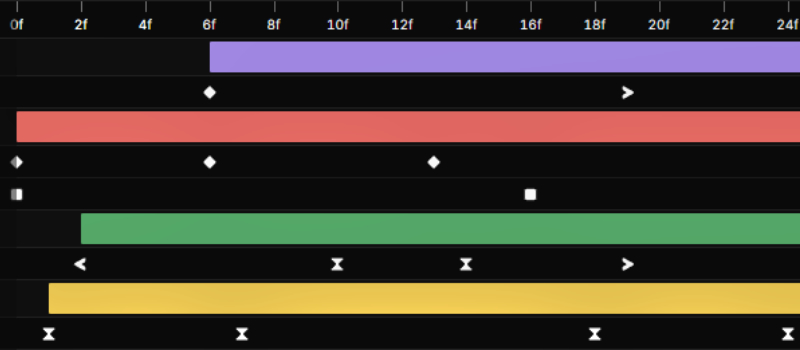
Keyframes & Modifiers
Animate anything with a fast, familiar timeline. Set keyframes on any property, adjust easing, and layer on modifiers like wiggle, loop, overshoot, audio reactivity, and much more to build complex motion without writing a single expression.
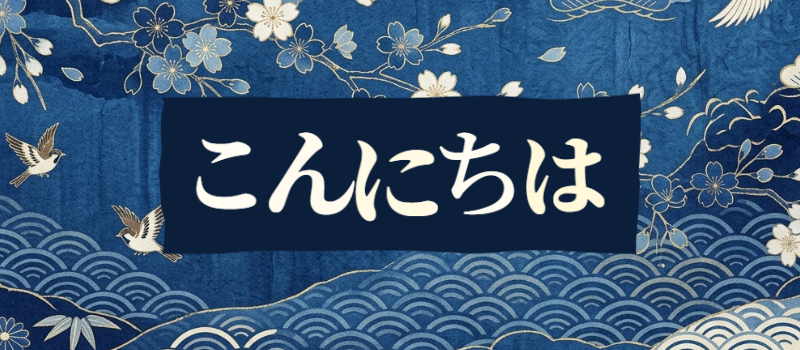
Text Animation
Bring any language typography to life with per-character animators, variable fonts, and full Unicode support. Animate position, scale, opacity, and color across letters or words, or make the text follow a path and combine animators for kinetic typography in seconds.
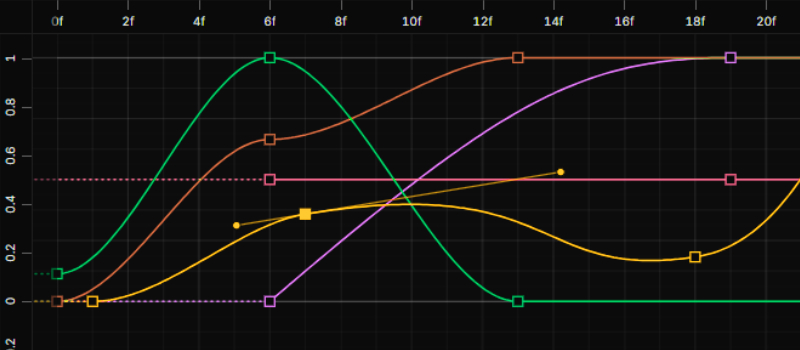
Graph Editor
Fine tune every motion with a full graph editor. Drag bezier handles, compare curves across properties, and sculpt value graphs so your animations feel exactly as smooth or as snappy as you intend, with a quick easing panel allowing you to ease multiple properties with the click of a button.
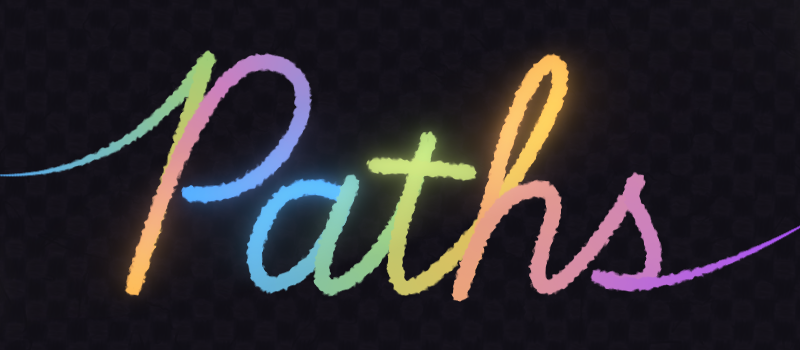
Pen Tool
Draw masks, shapes, and motion paths right on the canvas with a pen tool that feels familiar. Animate strokes, trim paths, add tapers or gradients, then keyframe or modify the paths and masks just like any other property.
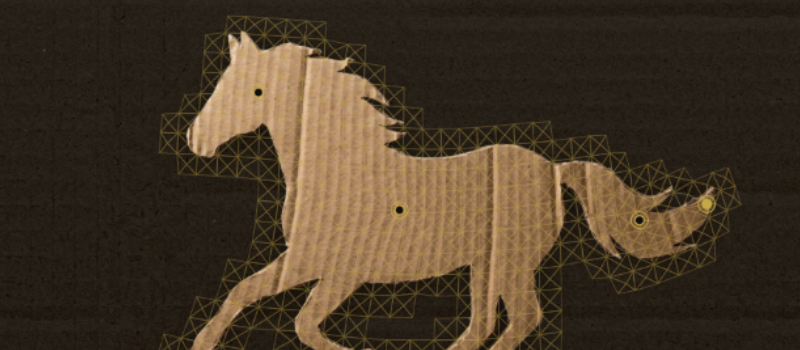
Puppet Pin
Drop pins on any layer and bend, stretch, or deform it naturally. Puppet Pin builds a mesh around your artwork so characters and cutouts move with real, organic, keyframeable motion.
Rigid Bodies
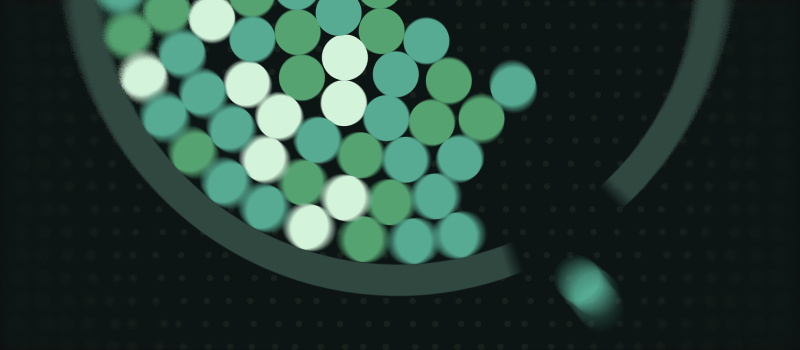
Simulate real physics right inside your compositions. Give layers mass, bounce, and friction, add gravity and force fields, and let Animoia work out motion that would take hours to keyframe by hand.
You may be wondering...
The story behind Animoia.
Hello! I'm Baraa Khaled, better known online as Boreo, a designer and content creator by passion. Over the past few years, I've been trying to break away from the creative software giant that has dominated the industry. Subscription costs keep rising, privacy policies keep getting shadier, and they no longer seem to value their users.
The rapid rise of independent tools like Affinity and Blender inspired me to start exploring alternatives. I managed to replace almost everything else, but that one animation software remained irreplaceable, with nothing else offering the kind of experience I was looking for.
So, I decided to build my own! After months of full time work, here it is. A free alternative built to close that gap and give creatives another option, with no paywalls or subscriptions. It's something I made simply because I wanted it to exist, and I'm really happy to finally share it with creatives around the world ツ